
Download Blue Neon Keyboard – Blue Neon Keyboard Theme, Android Themes, Customize Your Mobile
Overview
Blue Neon Keyboard is a free Android application designed to enhance the visual experience of mobile typing through a vibrant keyboard theme. Developed by T-Me Studio, the app falls under the category of mobile customization tools, specifically within the subcategory Themes. It allows users to transform the appearance of their on-screen keyboard with a striking blue neon aesthetic, ideal for those seeking a futuristic and eye-catching interface. The software is intended for individuals who enjoy personalizing their devices with unique visual styles, particularly Android users who value aesthetics and self-expression through their smartphone interfaces.
While the app does not include functional enhancements beyond visual customization, it serves as a straightforward utility for users looking to stand out with a bold, illuminated keyboard design. Its primary use case involves replacing the default keyboard appearance with a dynamic, glowing blue theme that mimics neon lighting effects. This can be especially appealing in settings where users want their device to reflect a modern, tech-forward vibe. The app supports Android 1.5 and above, making it accessible to a broad range of older and newer devices.
Key Features & Capabilities
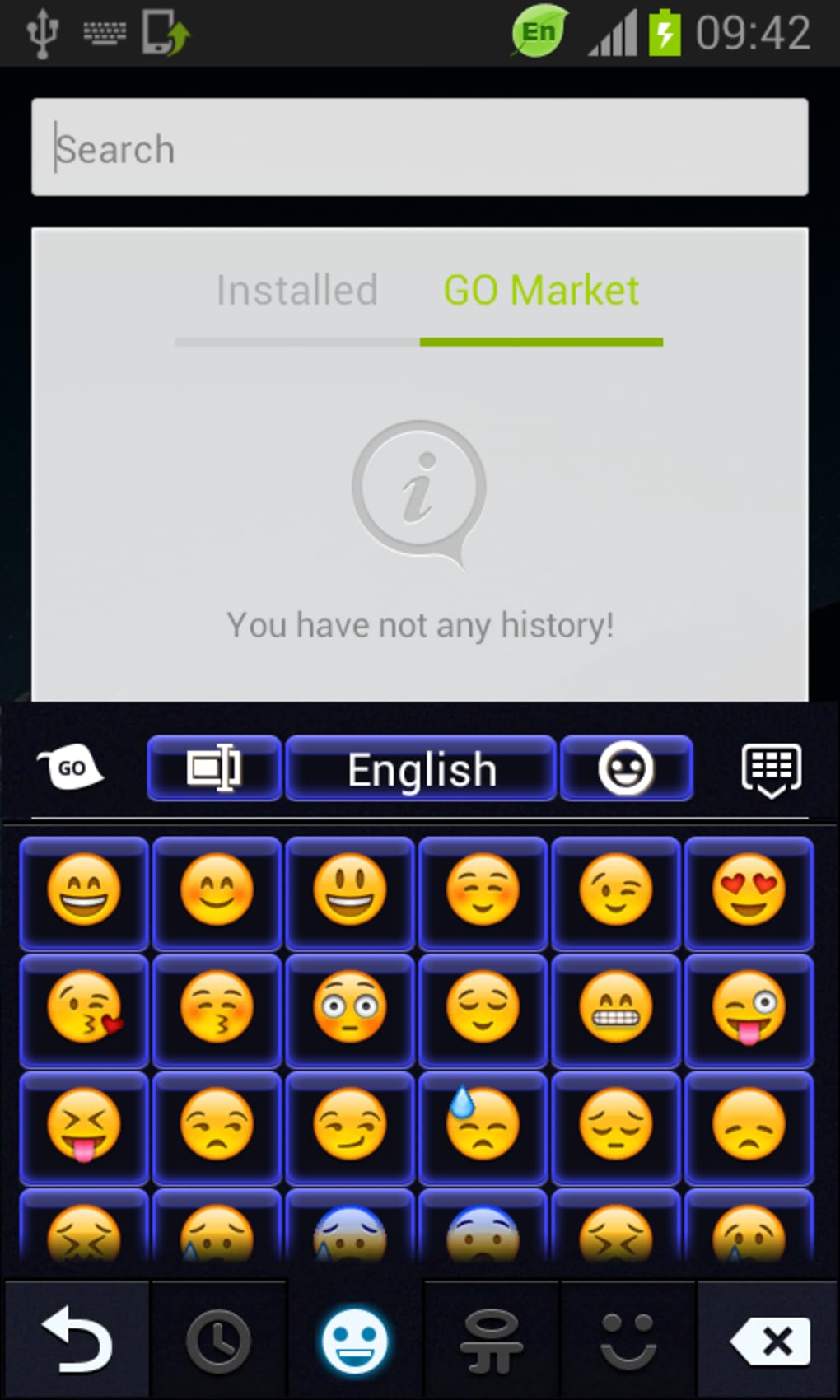
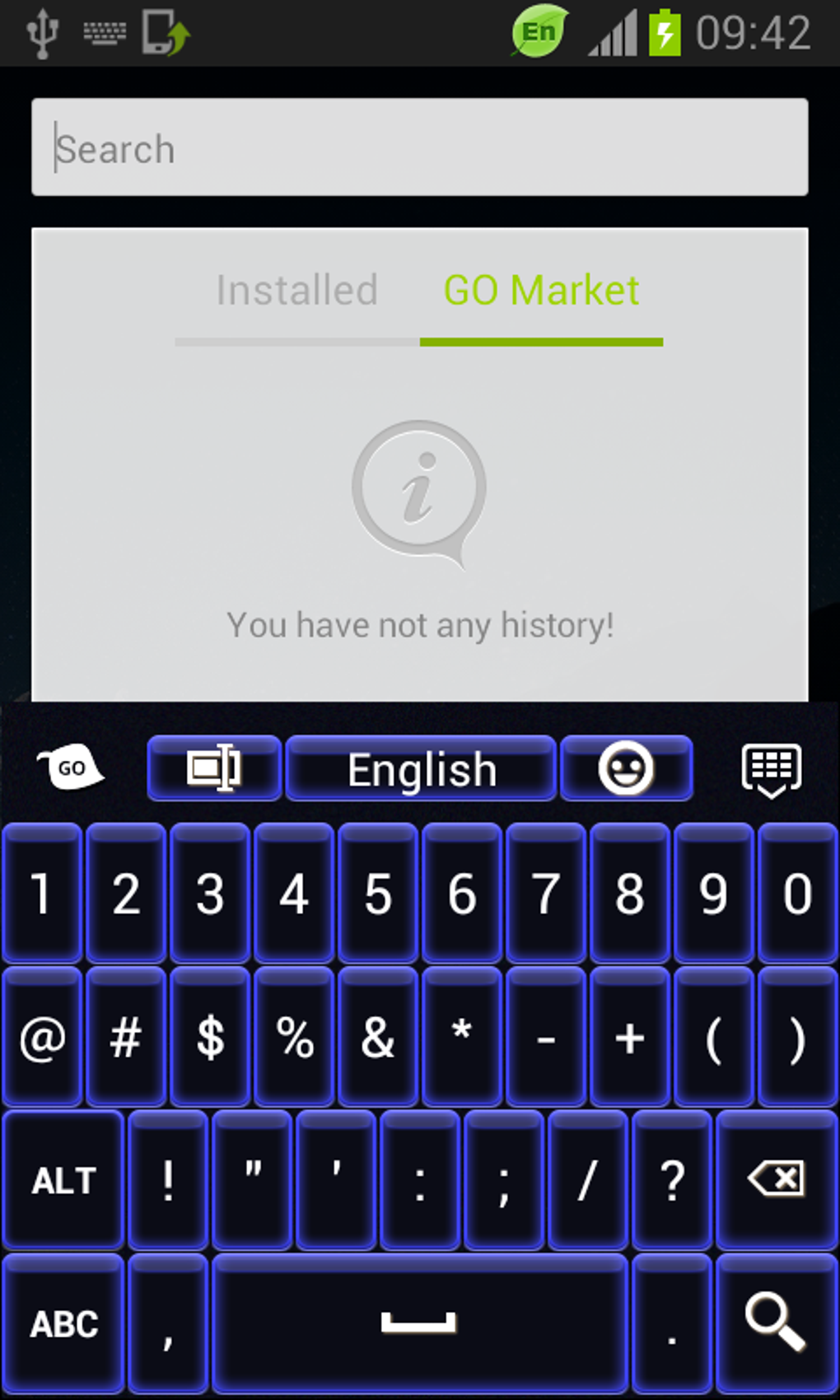
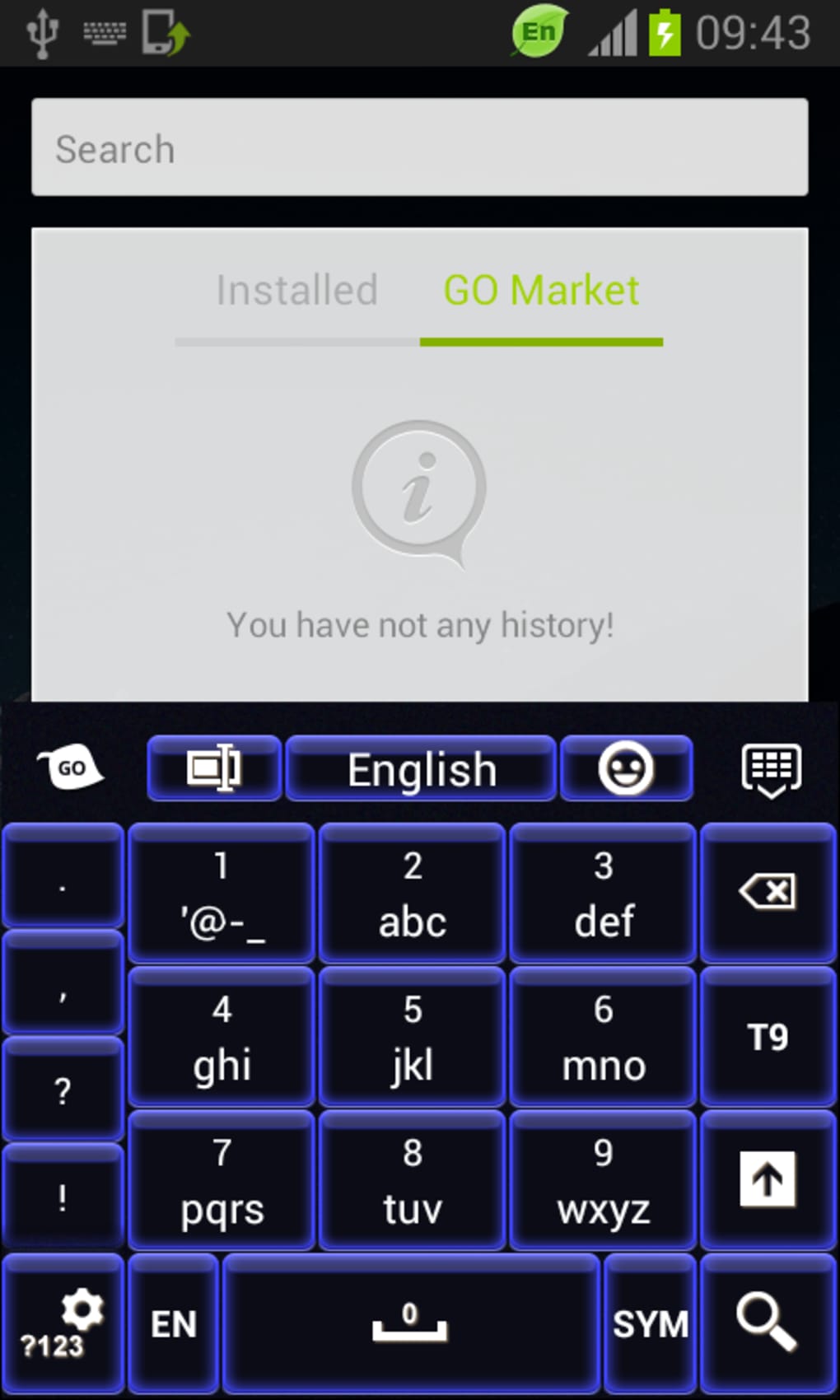
- Blue Neon Visual Theme – Applies a vibrant, glowing blue neon design to the on-screen keyboard, creating a visually striking appearance that stands out on any screen.
- Language Support – Available in English, Spanish, and German, allowing users from multiple regions to access the theme with familiar interface text.
- Compatibility with Android 1.5+ – Designed to function on a wide range of Android devices, including older models, ensuring broad accessibility.
- Free to Use – No cost is associated with downloading or applying the theme, making it accessible to users seeking affordable customization options.
- Simple Application Process – Users can install and activate the theme with minimal steps, requiring no advanced technical knowledge.
These features enable users to quickly and easily refresh their device’s keyboard interface without altering core functionality. The neon theme is particularly effective in low-light environments, where the glowing effect enhances visibility and adds a stylish touch. While the app does not modify typing performance or include predictive text, its focus remains on visual appeal. This makes it ideal for users who prioritize appearance over advanced typing tools.
User Interface, Workflow & Performance
The user interface of Blue Neon Keyboard is minimal and focused on theme application, with no complex menus or settings. Upon installation, the app likely presents a simple activation prompt, guiding users through the process of applying the neon theme to their default keyboard. Navigation is straightforward, relying on standard Android app behavior, with no additional layers of complexity. The workflow is designed for speed and ease, allowing users to apply the theme in under a minute.
Performance details were not specified by the developer. However, based on general behavior of lightweight Android themes, the app is expected to consume minimal system resources. It does not appear to run in the background or interfere with other applications.
The developer did not provide information on CPU or RAM usage. Stability is assumed to be consistent with similar lightweight themes, though real-world testing data was not included. The app’s small footprint and single-purpose design suggest it will not impact device performance significantly.
Compatibility & System Requirements
Blue Neon Keyboard is compatible with Android 1.5 and later versions, which indicates it supports a wide range of devices, including legacy models. This broad compatibility ensures that users with older Android smartphones or tablets can still access the theme. The app is available as a downloadable file for Android devices, though the exact installation size varies depending on the user’s device configuration.
The developer did not specify exact system requirements beyond the operating system. No information was provided about minimum RAM, processor speed, or storage space needed for optimal operation. Users should expect a lightweight installation, typical of visual themes, but should verify available storage before downloading. Compatibility with third-party keyboard apps was not mentioned, so functionality may be limited to devices using the default Android keyboard.
Pros and Cons
Pros
- Free to download and use with no hidden costs
- Visually striking blue neon design enhances keyboard appearance
- Supports multiple languages: English, Spanish, and German
- Compatible with Android 1.5 and above, ensuring wide device access
- Simple setup with minimal user effort required
Cons
- No functional improvements to typing speed or accuracy
- Developer did not provide detailed system requirements
- Performance and resource usage were not specified
- Only available as a visual theme, no additional features included
- Update history is outdated, with last update on January 1, 2015
FAQ Section
Is Blue Neon Keyboard compatible with my Android device?
Yes, Blue Neon Keyboard supports Android 1.5 and later versions. If your device runs one of these versions, it should be compatible.
Is the app safe to download and install?
As a free app published by T-Me Studio, Blue Neon Keyboard is available through official Android channels. No security risks were reported in the provided information.
Does the app require an internet connection?
The app does not require an internet connection to apply or use the theme after installation. However, an internet connection may be needed for initial download.
Can I use Blue Neon Keyboard with third-party keyboards?
The developer did not specify compatibility with third-party keyboard applications. It may only work with the default Android keyboard.
Is the app updated regularly?
The last update was on January 1, 2015. This suggests the app is no longer actively maintained.
Final Thoughts
Blue Neon Keyboard delivers a bold, visually engaging theme for Android users who enjoy customizing their device’s look. While it offers no functional enhancements beyond aesthetics, its vibrant blue neon design stands out in both daylight and low-light conditions. The app’s compatibility with older Android versions makes it accessible to a wide audience, and its free status removes financial barriers to entry.
However, the lack of recent updates and absence of performance data raise concerns about long-term stability and compatibility with newer Android versions. Users seeking a modern, well-maintained theme may find better alternatives. Still, for those who value retro-futuristic design and are using older devices, Blue Neon Keyboard remains a viable option.
Download Blue Neon Keyboard now to give your Android keyboard a glowing, futuristic look.





.png)

